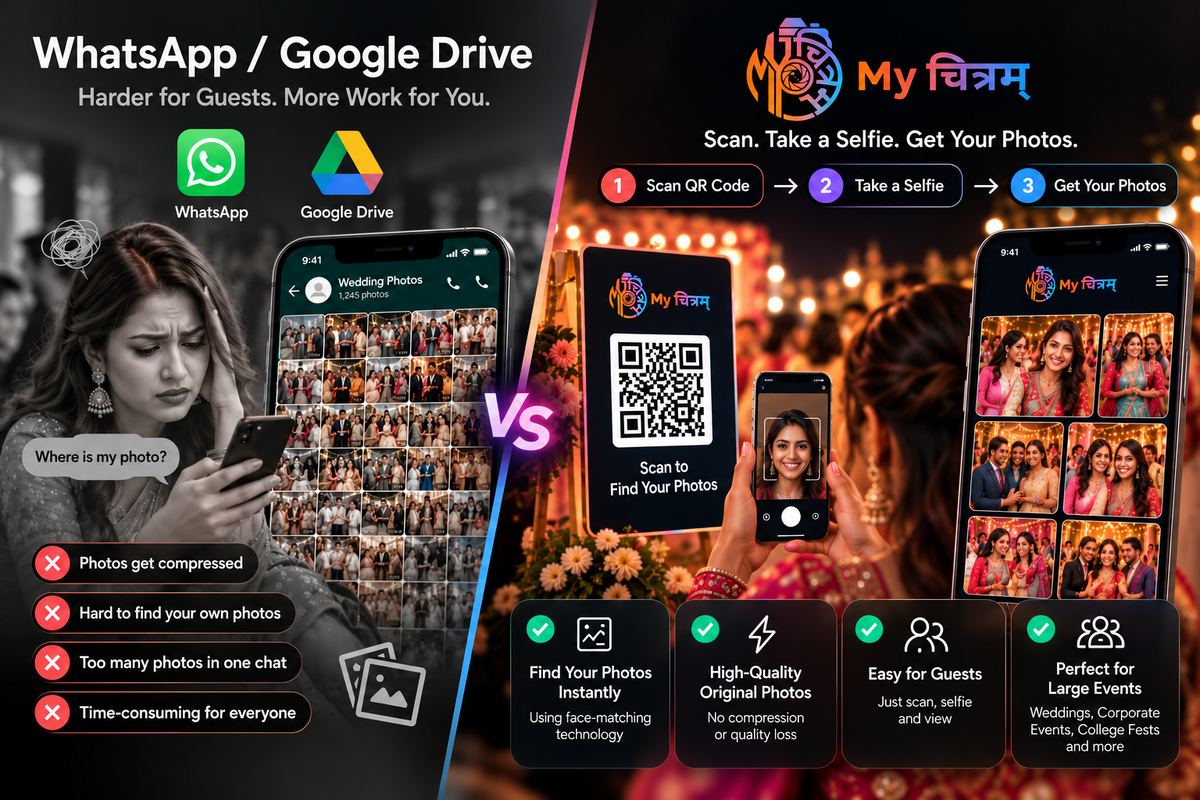
You've just finished a 500-person corporate event. 2,400 photos. The client wants them delivered to every attendee by the next morning. What's your plan?
The WhatsApp approach
WhatsApp compresses photos (killing your quality). Group chats cap at 1,024 members. Most people mute group chats within a day. And nobody wants to scroll through 2,400 images to find the five they're in.
The Google Drive approach
Better quality, but same problem- guests are handed a folder and left to find themselves. For events above 300 people, most guests won't bother.
The QR code + face recognition approach
Print a QR code on the event programme, project it on screen, or share it in the post-event email. Guests scan it, take a selfie, and see their personalised gallery in seconds- only the photos they appear in. Zero searching. Zero scrolling.
The result: guests who would never have opened a Drive folder are downloading and sharing their photos- because finding themselves took 10 seconds, not 10 minutes.
When WhatsApp still works
For small gatherings under 20 people where everyone knows each other and photo counts are low, WhatsApp is fine. For anything larger- a wedding, a corporate event, a college fest- face recognition delivery wins on engagement, quality and brand impression.
Practical tip: print the QR at the venue
Place the My Chitram QR code at the entrance, on table cards, and in your post-event email. The more touchpoints, the higher the claim rate. Most photographers who do this see over 80% of guests finding their photos within 24 hours of the event.